Back to Nodes

GPT Image 2 Edit

Official

Edit one or more reference images with GPT Image 2 on fal.ai, with explicit quality and output-size controls plus optional masking.

Nodespell AI
AI / Image / Openai

Edit one or more reference images with GPT Image 2 on fal.ai, with explicit quality and output-size controls plus optional masking.

Model Overview

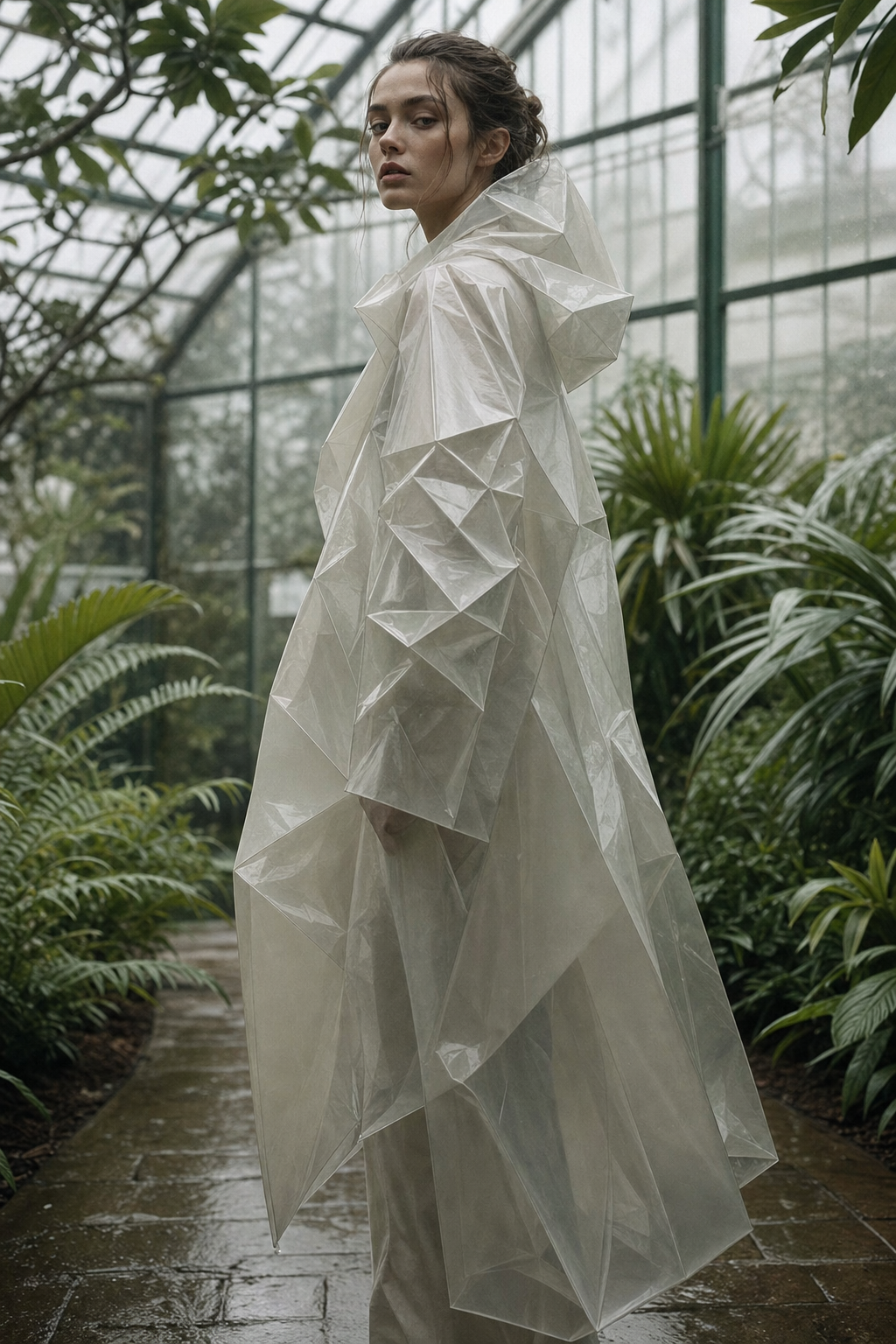
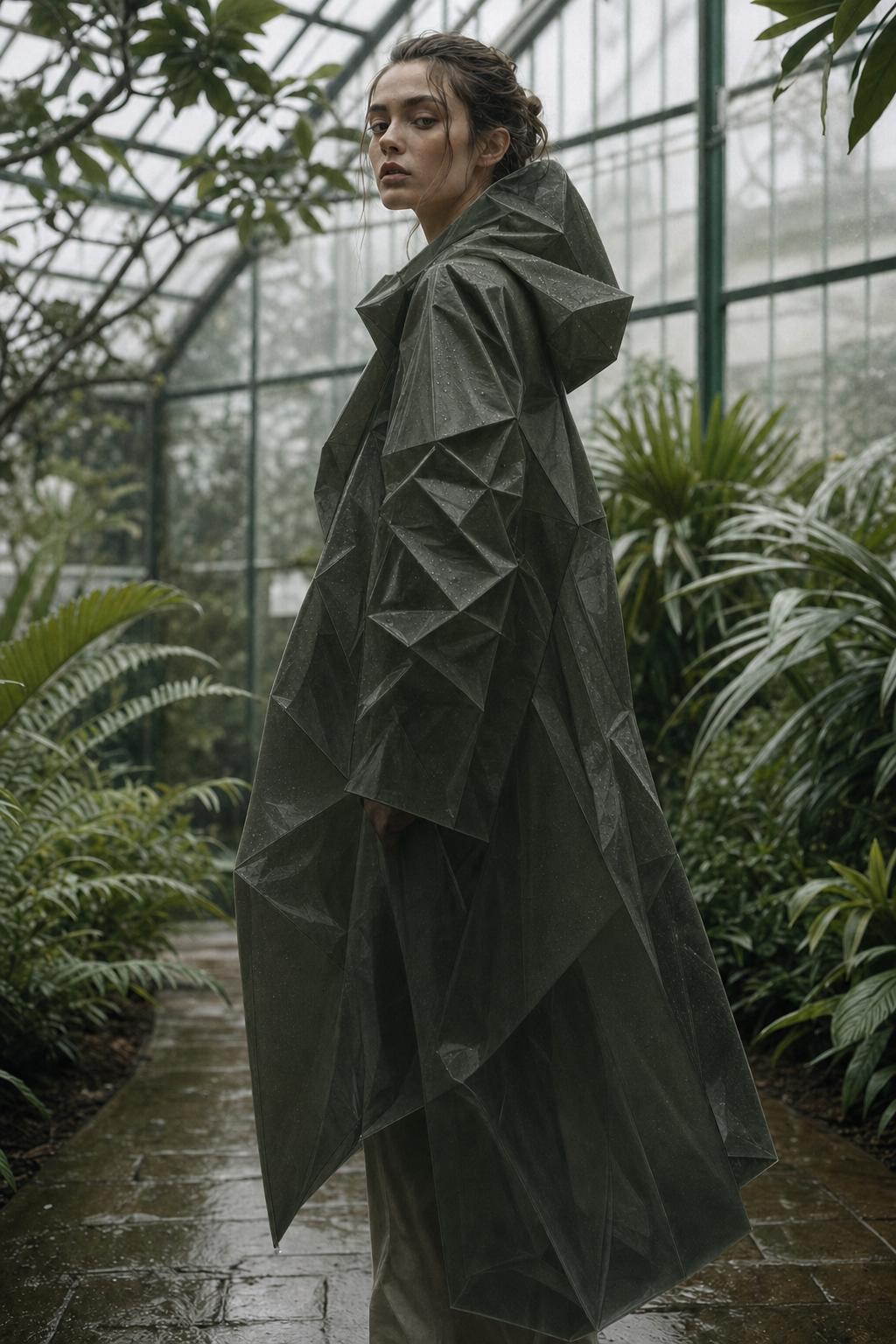
GPT Image 2 Edit applies prompt-guided edits to supplied images. This Nodespell surface keeps size and quality choices aligned with fal's published pricing table while still using post-run billing-event correction for the exact billed cost.

Best At

  • Prompt-guided image edits from one or more reference images.
  • Structured iteration where you want to pick a published size or explicit custom width and height instead of relying on vendor defaults.
  • Optional mask-driven edits when only part of the input image should change.

Limitations / Not Good At

  • This node fixes generation to one output image per run.
  • Custom sizes still need to satisfy fal's GPT Image 2 limits: multiples of 16, max edge 3840px, aspect ratio up to 3:1, and total pixels between 655,360 and 8,294,400.
  • The final billed cost can still differ from the starting estimate, so Nodespell corrects credits after completion.

Ideal Use Cases

  • Product, character, and scene edits from supplied image references.
  • Inpainting-style workflows that need an explicit mask input.
  • Image editing flows where predictable initial estimates are worth preserving.

Input & Output Format

  • Input: required image_input and prompt, optional mask_input, plus quality, image_size_preset, optional custom_width / custom_height, and output_format.
  • Output: edited image asset returned on response.

Performance Notes

  • Larger output sizes and higher quality settings increase cost.
  • Custom sizes use the nearest published GPT Image 2 pricing bucket for the starting estimate, then Nodespell replaces that estimate with fal's billed amount after the task finishes.
Inputs (3)

Prompt

String

Text prompt describing how the source image should change.

Multi InputMin: 0Max: 100

Image Input

String

One or more source images to edit.

RequiredMulti InputMin: 1Max: 100

Mask Input

String

Optional mask image for localized edits.

Min: 0Max: 1
Parameters (6)

Prompt

String

Text prompt describing how the source image should change.

Required
Default:

Quality

String

Edit quality level. Higher quality increases detail and cost.

Default: high

Image Size

String

Pick a published GPT Image 2 size or choose Custom to enter explicit width and height values.

Default: 1024x768

Width

Number

Custom image width. GPT Image 2 requires multiples of 16, max edge 3840px, total pixels between 655,360 and 8,294,400, and aspect ratio up to 3:1.

Default: 1920

Height

Number

Custom image height. GPT Image 2 requires multiples of 16, max edge 3840px, total pixels between 655,360 and 8,294,400, and aspect ratio up to 3:1.

Default: 1080

Output Format

String

File format for the edited image.

Default: png
Outputs (1)

Output

Inferred

Edited image output.

Nodespell Team

Type

Node

Status

Official

Package

Nodespell AI

Category

AI / Image / Openai

Input

TextImage

Output

Image

Keywords

Image EditInpaintingPrompt ConditioningResolution ControlStyle Control
Use in Workflow