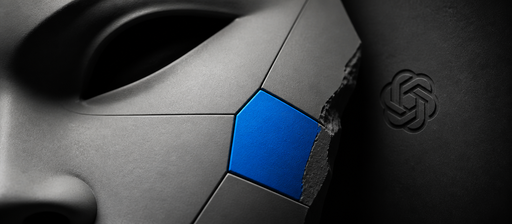
GPT Image 2.5 Flare Edit
Edit, combine, or restyle up to sixteen source images while following detailed written instructions. Choose Flare Edit for fast production changes, re
Edit, combine, or restyle up to sixteen source images while following detailed written instructions. Choose Flare Edit for fast production changes, reference-led generation, masked edits, and layout-preserving revisions. Use the optional mask to localize changes and select the output size, quality, format, and background treatment.
Images
ArrayOne to sixteen source or reference images to edit or combine.
Mask
StringOptional mask defining the editable area of the first input image.
Prompt
StringText prompt describing the scene, motion, camera direction, and audio intent.
Prompt
StringDescribe the changes to make while preserving the parts of the supplied images that should remain unchanged.
Quality
StringRendering quality. Higher settings preserve more detail and use more credits.
highImage Size
StringOutput dimensions. Custom dimensions must use multiples of 16.
1024x1024Custom Width
NumberCustom output width in pixels. Use a multiple of 16.
1024Custom Height
NumberCustom output height in pixels. Use a multiple of 16.
1024Output Format
StringFile format for the generated image.
pngCompression
NumberCompression quality for JPEG or WebP output, from 0 to 100.
90Background
StringLet the model choose the background treatment or force an opaque result.
autoImage
InferredGenerated image output.
Nodespell Team
Type
Node
Status
Official
Package
Nodespell AI
Category
AI / Image / OpenaiInput
Output