Flux Kontext Pro Max
Edit images with natural language prompts. High-quality results for style transfer, object changes, and text editing.
Model Overview
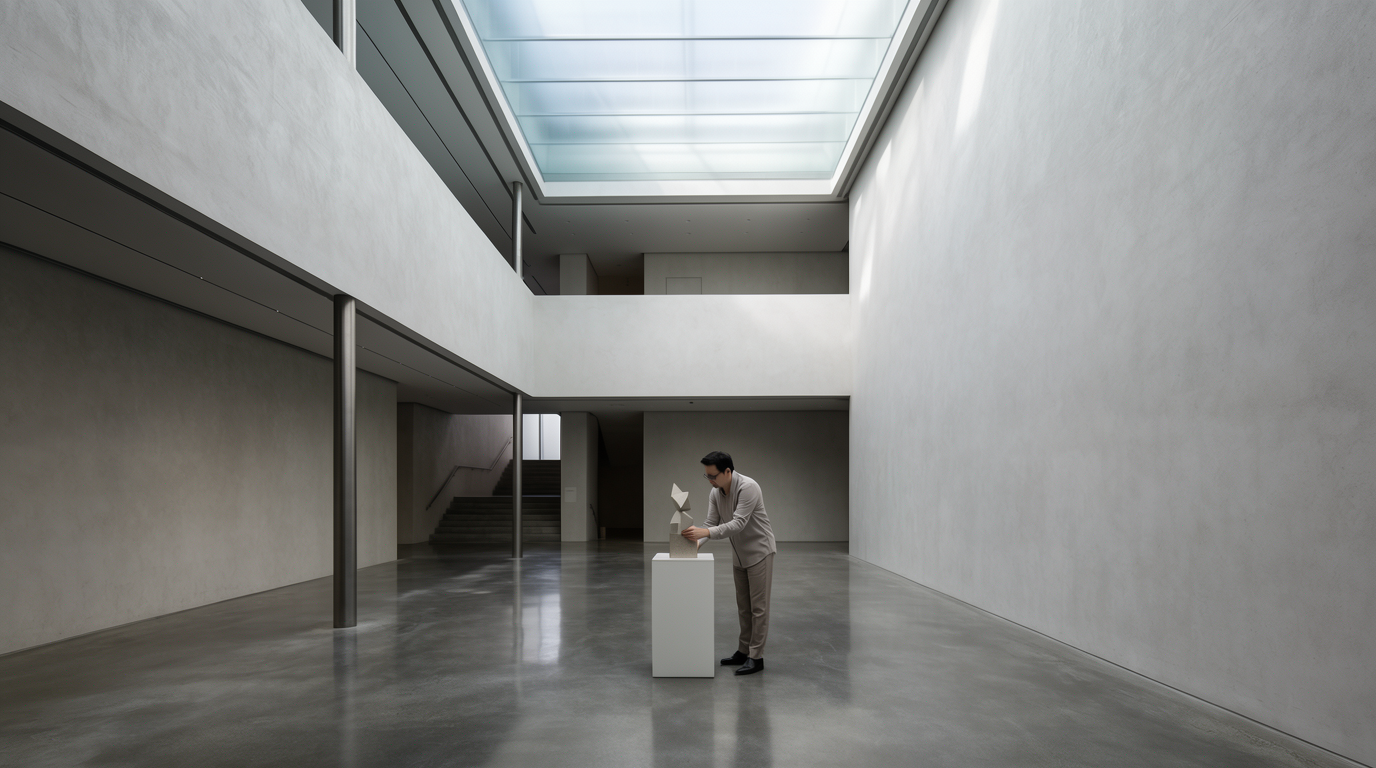
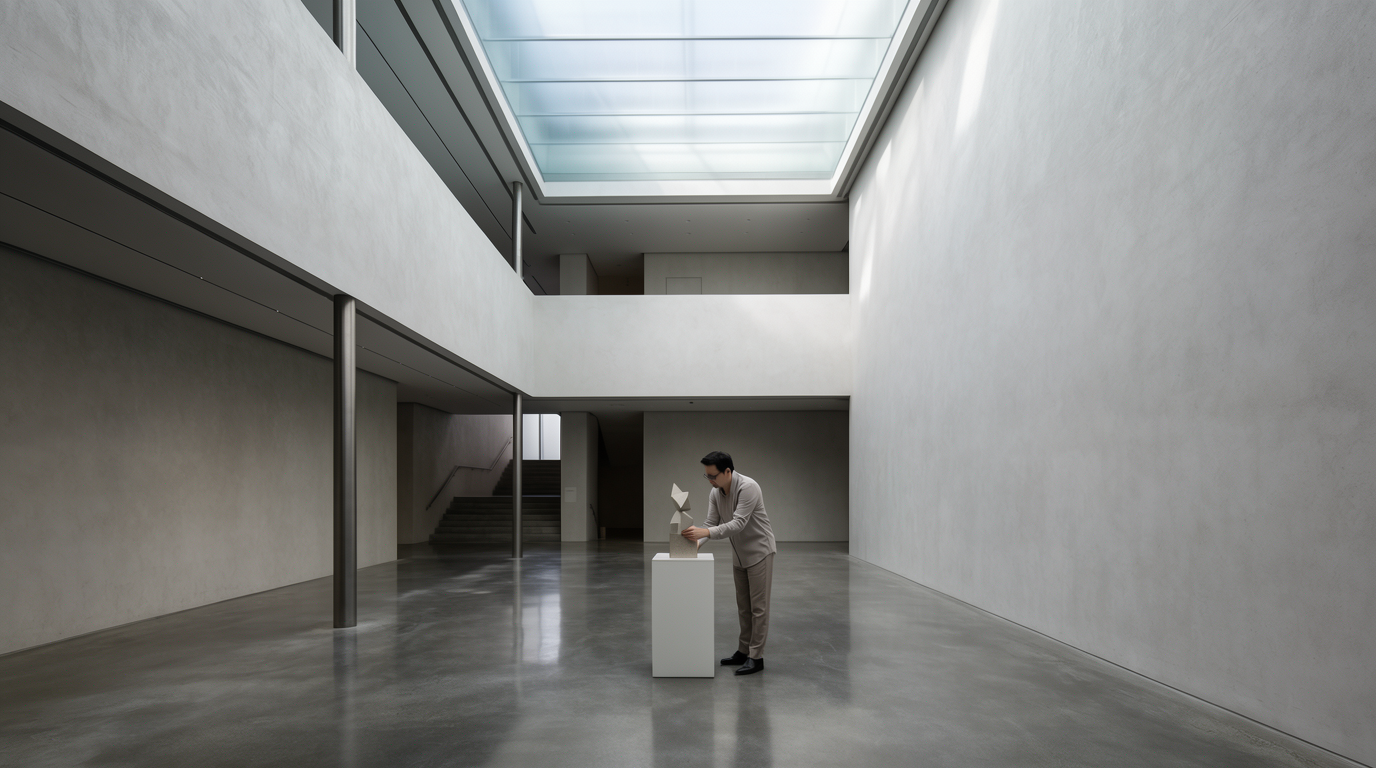
A state-of-the-art text-based image editing model that delivers high-quality outputs with excellent prompt following and consistent results for transforming images through natural language.
Best At
This model excels at various image editing tasks, including:
- Style Transfer: Applying artistic styles like watercolor, oil painting, or sketches.
- Object and Clothing Modifications: Changing hairstyles, adding accessories, or altering colors.
- Text Editing: Replacing text in signs, posters, and labels accurately.
- Background Swapping: Replacing the background while maintaining the subject's position and appearance.
- Character Consistency: Ensuring a subject's identity remains consistent across multiple edits.
Limitations / Not Good At
- While powerful, complex edits requiring extremely precise fine-tuning of multiple elements simultaneously might require iterative prompting.
- Generating highly realistic typography in very specific or unusual fonts can be challenging, though the 'max' version offers improvements.
Ideal Use Cases
- Blog Illustrations: Quickly adapt images to match a specific theme or style.
- Product Mockups: Change product colors, add logos, or place them in different environments.
- Social Media Content: Create unique visual variations for posts and ads.
- Personalized Avatars: Edit portraits to try different styles or accessories.
- Marketing Materials: Update text on existing graphics or change image backgrounds.
Input & Output Format
- Input: Text prompt (string), optional input image (jpeg, png, gif, webp), and various optional parameters like
aspect_ratio,seed,output_format, andsafety_tolerance. - Output: A URI (string) pointing to the generated or edited image.
Performance Notes
- Offers state-of-the-art performance with high-quality outputs.
- The 'pro' and 'max' versions provide superior results compared to standard or older models.
- Speed is generally good for single prompt edits, with performance optimized for quality.
Prompt
StringText description of what you want to generate, or the instruction on how to edit the given image.
Input Image
StringImage to use as reference. Must be jpeg, png, gif, or webp.
Seed
NumberRandom seed. Set for reproducible generation
-1Prompt
StringText description of what you want to generate, or the instruction on how to edit the given image.
Aspect Ratio
StringAspect ratio of the generated image. Use 'match_input_image' to match the aspect ratio of the input image.
match_input_imageOutput Format
StringOutput format for the generated image
pngSafety Tolerance
NumberSafety tolerance, 0 is most strict and 6 is most permissive. 2 is currently the maximum allowed when input images are used.
2Prompt Upsampling
BooleanAutomatic prompt improvement
falsemodel
Stringflux-kontext-proOutput
InferredOutput
Type
Node
Status
Official
Package
Nodespell AI
Category
AI / Image / Black Forest LabsInput
Output