AI video post-production
Generated footage still needs post.
Bring the scattered clips into one project. Fix the hands, key the sky, comp the missing element, grade it and judge it in the cut, with the source one connection away.
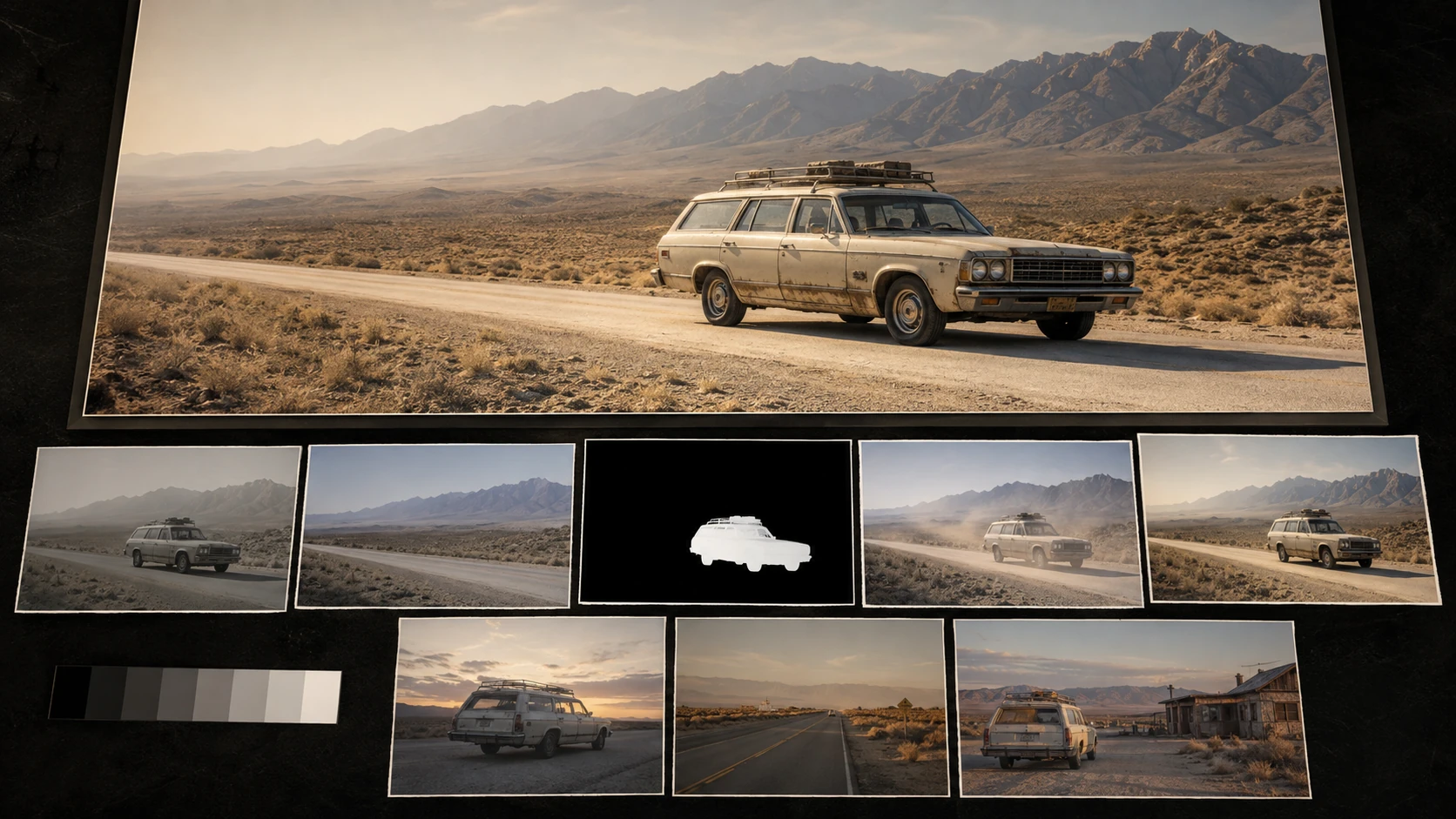
Sources and selects
Start with everything you already made.
Generated clips, source images, mattes, audio and alternates, pulled out of five tools and into one organised project.
Source clips · Plates · Selects
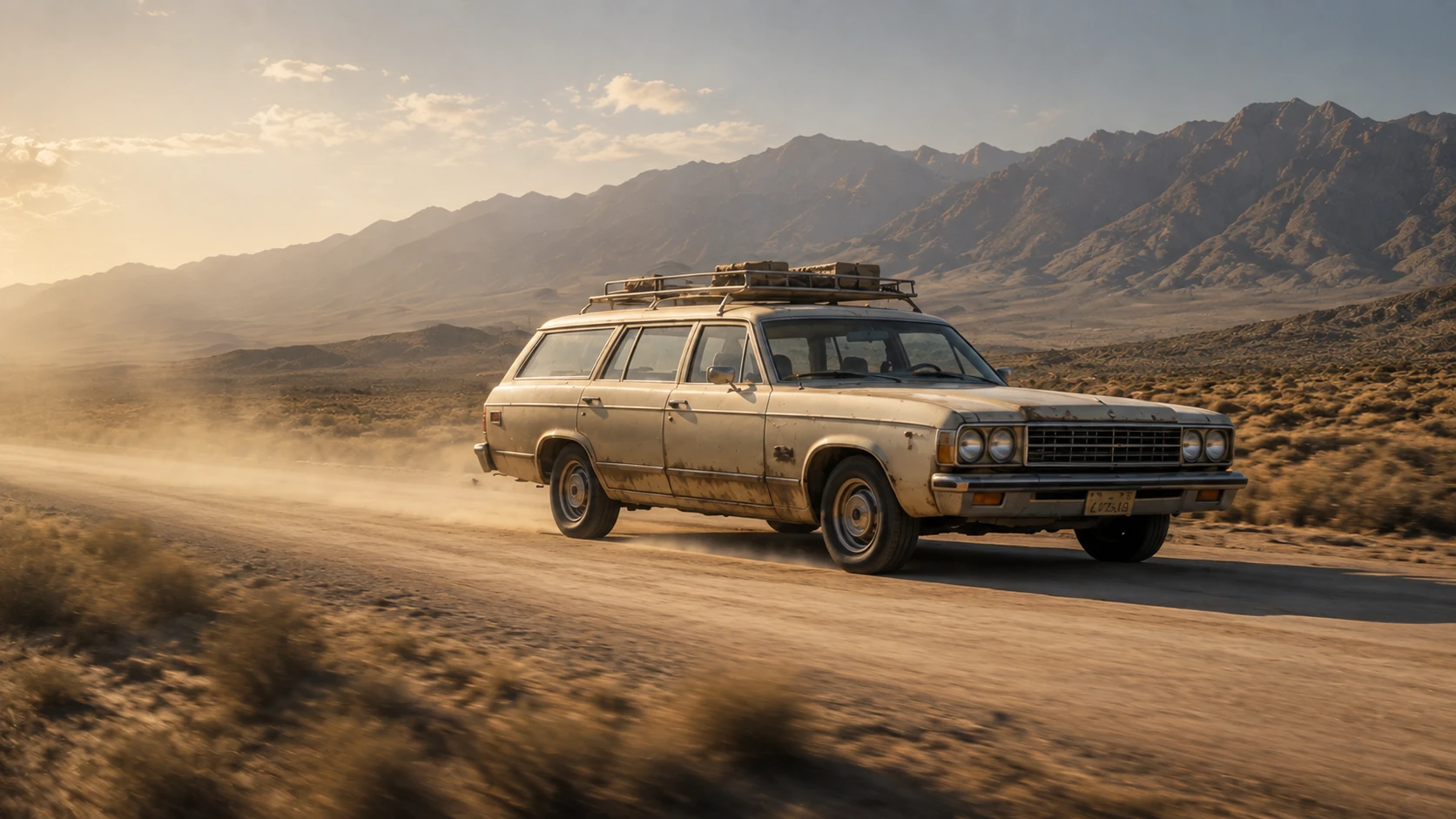
One direction worth developing
Repair and composite
Fix the shot. Keep the idea.
Go back to the source, try a focused repair or another model, then track, mask, key, layer, retime and grade until the shot holds up on a big screen.
Source clips · Plates · Selects
- Keep the source in reach
- Repair, mask and composite
- Match the finished shots
Match the finished shots
Final cut
Judge the shot inside the film.
Arrange picture and sound on the timeline, compare changes in context, and return to earlier results or a named milestone when the cut takes a wrong turn. Keep the editable Project available for review and handoff as the cut continues in Nodespell or specialist editing tools.
Finished sequence
Shape the pacing.Keep the chosen direction.
Related creative tasks
Finish it without losing how it was made.
Bring in the raw clips, repair the shots, build the comp, and keep it all connected through the final cut or the handoff to your finishing house.